
ToneClone for Raycast: AI Writing at Your Fingertips
Write content in your voice, manage and train your personas, all from Raycast's command palette. Perfect for Mac users who want to use AI to write in their voice without leaving their flow.
Why Mac users love ToneClone for Raycast
Seamlessly integrate personal AI writing into your Mac workflow
Install ToneClone for Raycast
Get started in seconds with our official Raycast extension
Click "Install Extension" on the Raycast store page, then enter your ToneClone API key when prompted.
- Open Raycast (⌘ Space)
- Type "Store" to open the Extension Store
- Search for "ToneClone"
- Click "Install Extension"
Everything you need, right in Raycast
Powerful AI writing features accessible with simple keyboard shortcuts
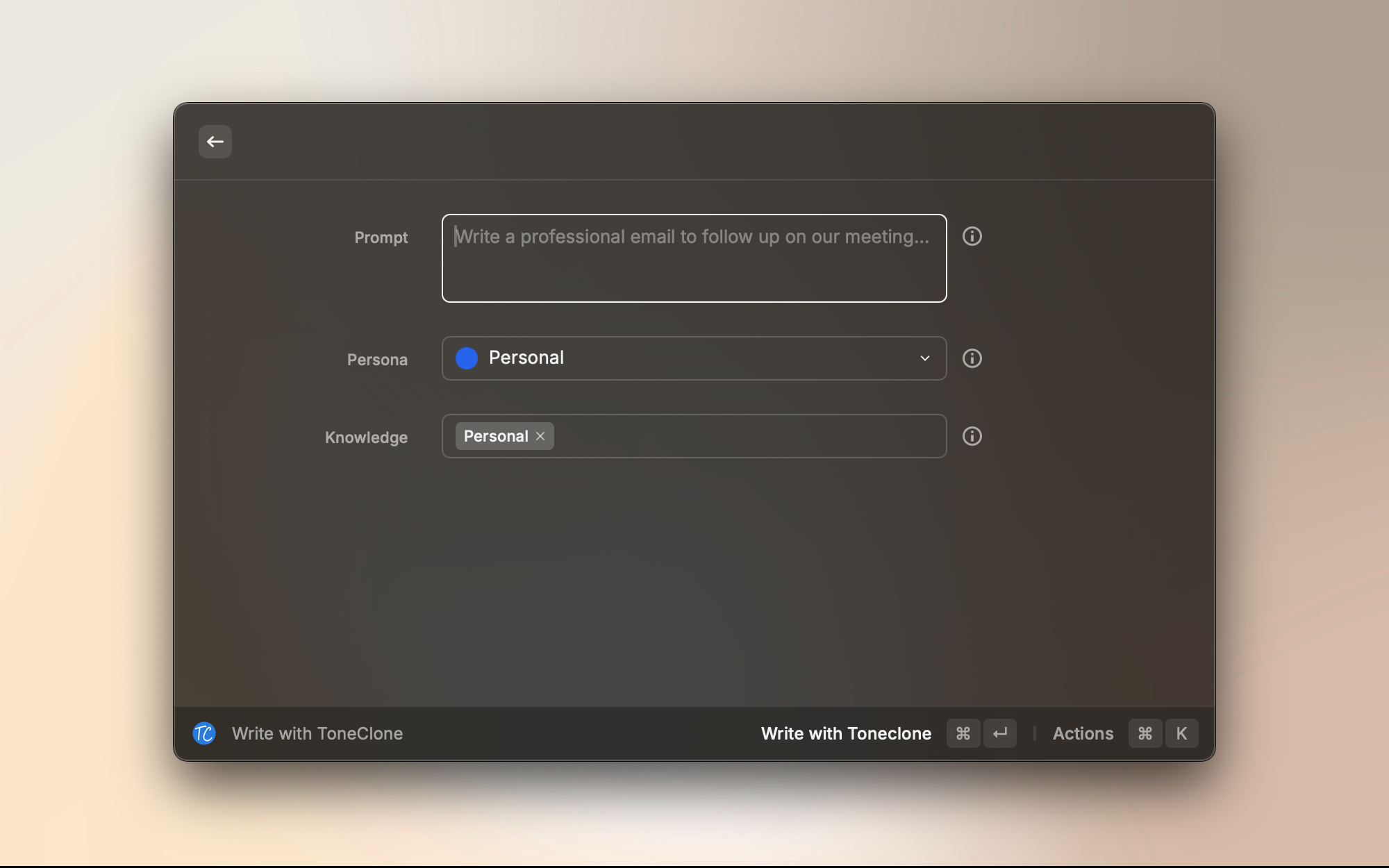
Write with AI in Your Voice
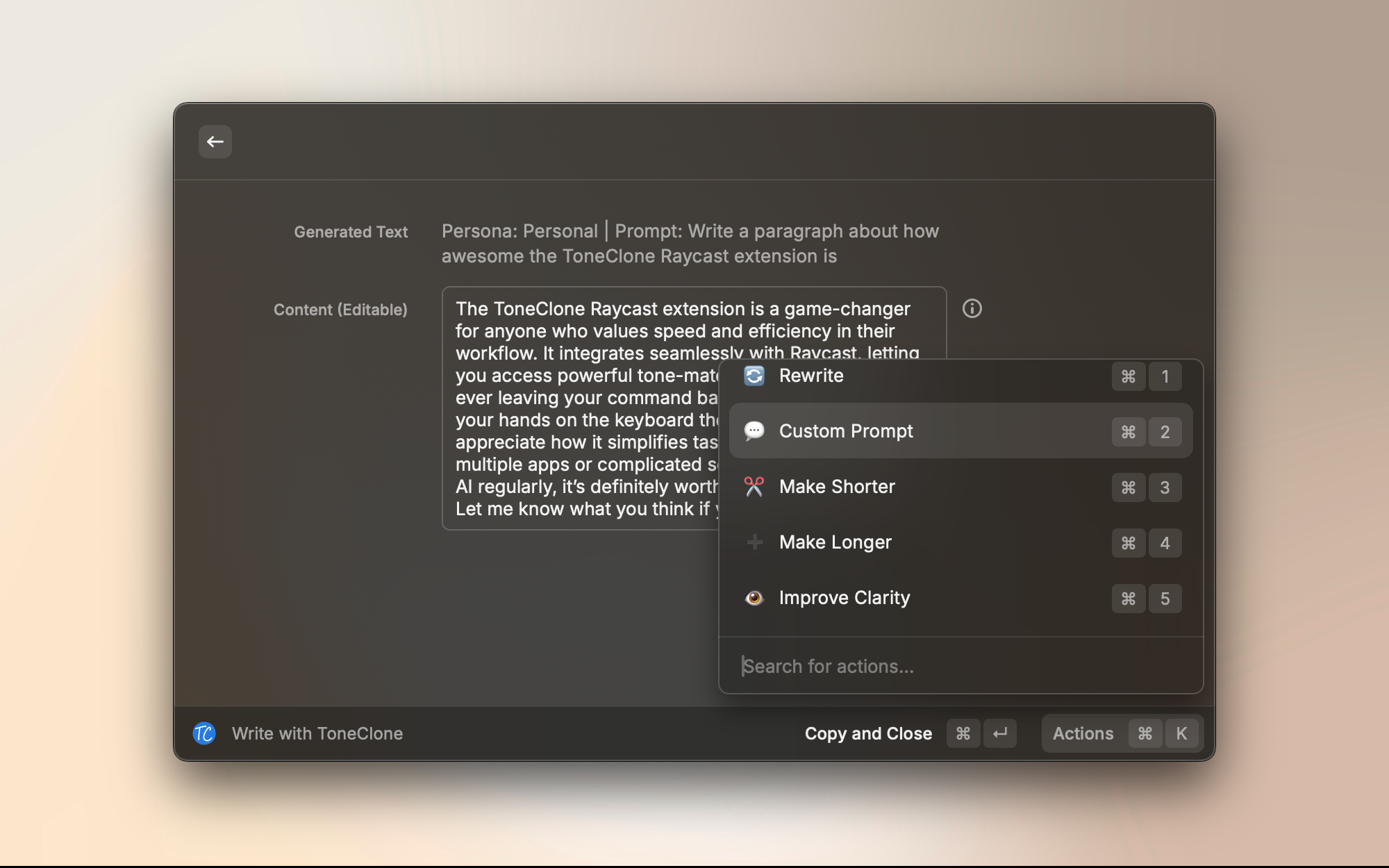
Open Raycast, type your prompt, select your persona, and write content that matches your writing style. Results automatically copy to your clipboard for instant use anywhere on your Mac.
- Choose from multiple personas for different writing styles
- Select relevant knowledge cards for context
- Quick actions: rewrite, make shorter, make longer, improve clarity
Train from Browser
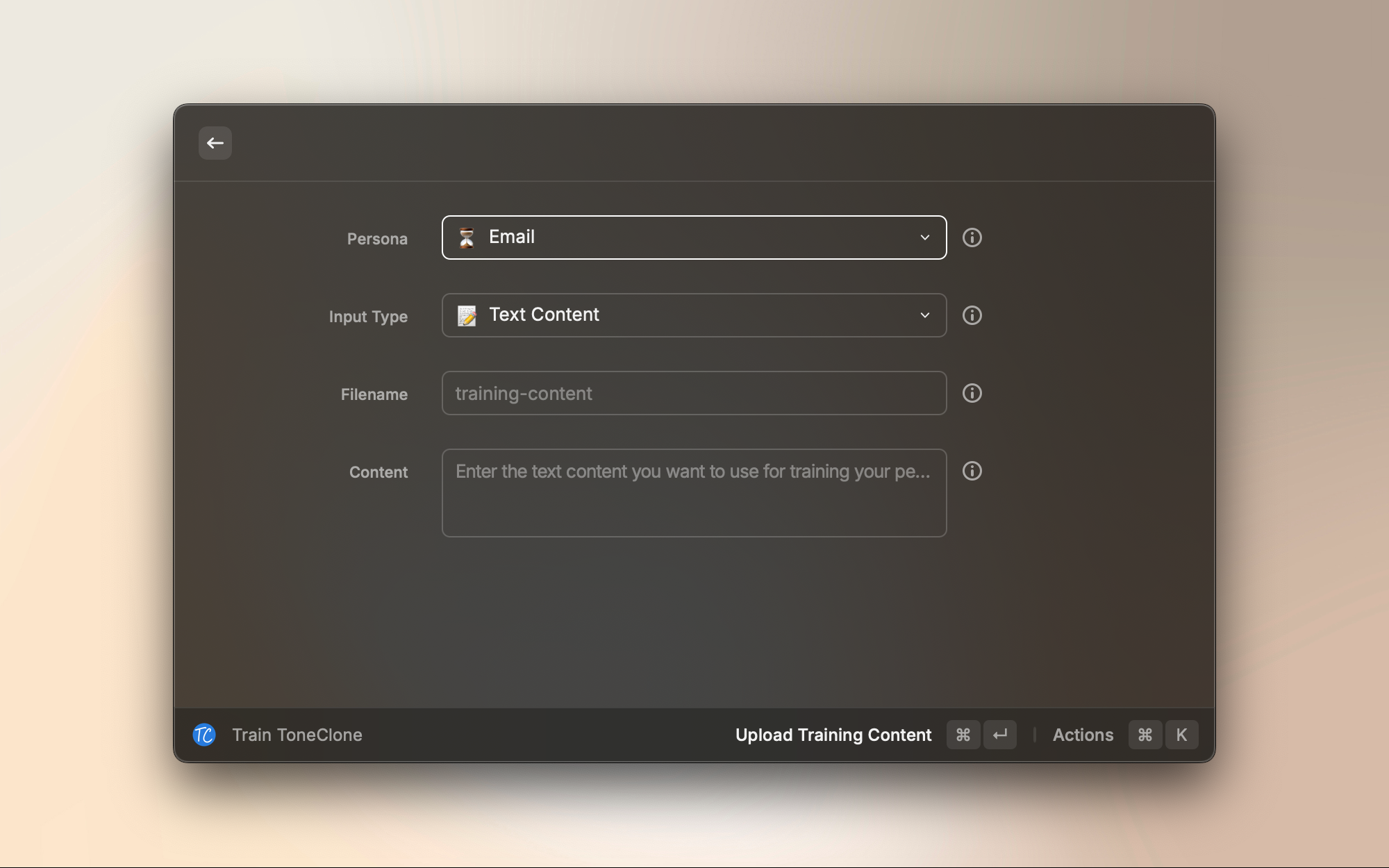
Reading something you wrote in your browser? Trigger Raycast, select "Train ToneClone from Browser", and add the current tab's content as a training sample. Works with any web page.
- Automatically pulls content from your active browser tab
- Add custom filenames for organization
- Train multiple personas with different content
Knowledge Management
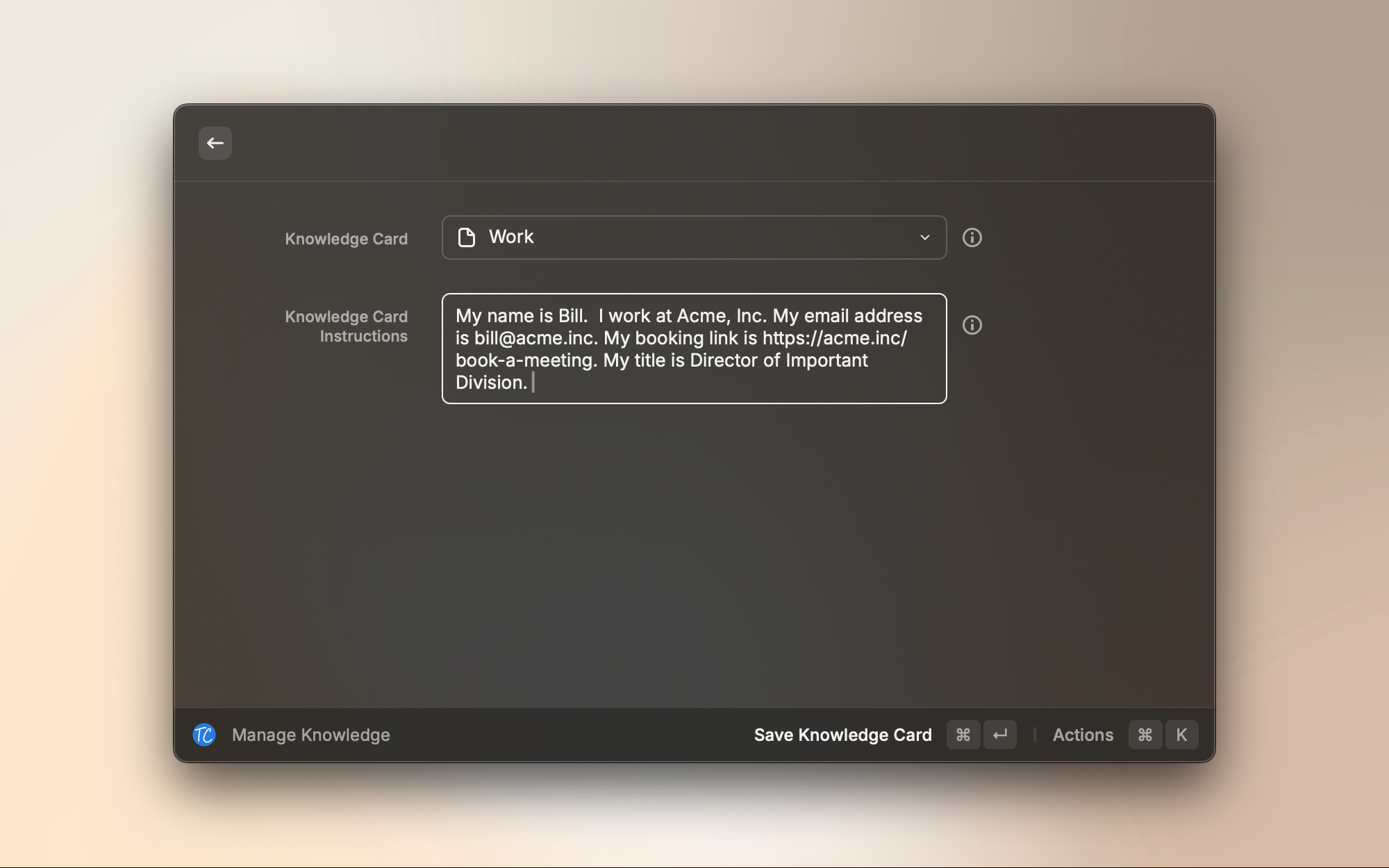
View, create, and update knowledge cards directly in Raycast. Store your bio, company info, product details, and other context that ToneClone uses to help you write better content.
- Create and edit knowledge cards on the fly
- Add context for better, more relevant writing
- Organize cards by topic or use case
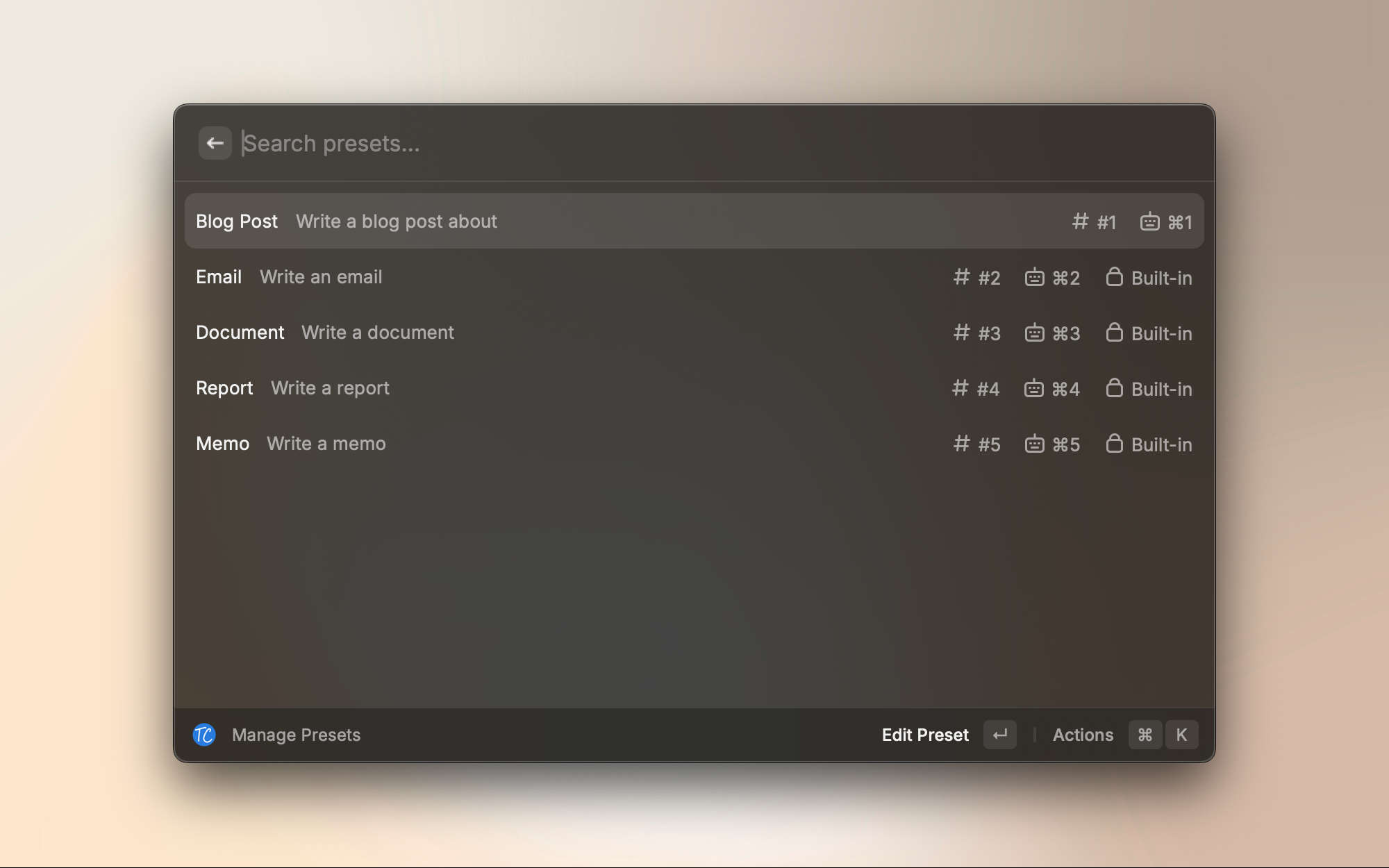
Quick Presets
Use built-in presets for common writing tasks like blog posts, emails, documents, reports, and memos. Each preset is optimized for its specific format and purpose.
- Pre-configured templates for common content types
- Keyboard shortcuts for instant access
- Customizable to match your workflow
Perfect for your Mac workflow
Real-world scenarios where ToneClone for Raycast shines
Quick Start Guide
Get writing in minutes
Install Extension
Visit the Raycast Store and install ToneClone
Add Your API Key
Enter your ToneClone API key when prompted (get it from your account settings)
Start Writing
Open Raycast, search for ToneClone commands, and start writing with AI
Available Commands
Generate TextWrite in your voiceManage PersonasView and switch personasTrain from BrowserAdd training samplesManage KnowledgeUpdate context cardsReady to supercharge your Mac writing?
Install ToneClone for Raycast and bring AI writing in your voice to your command palette.
Free to install • Requires ToneClone account • 7-day free trial available